

Written by the team behind Boothlane by EaseMyExpo. We’ve tried to describe each tool fairly, including when ours isn’t the right fit.
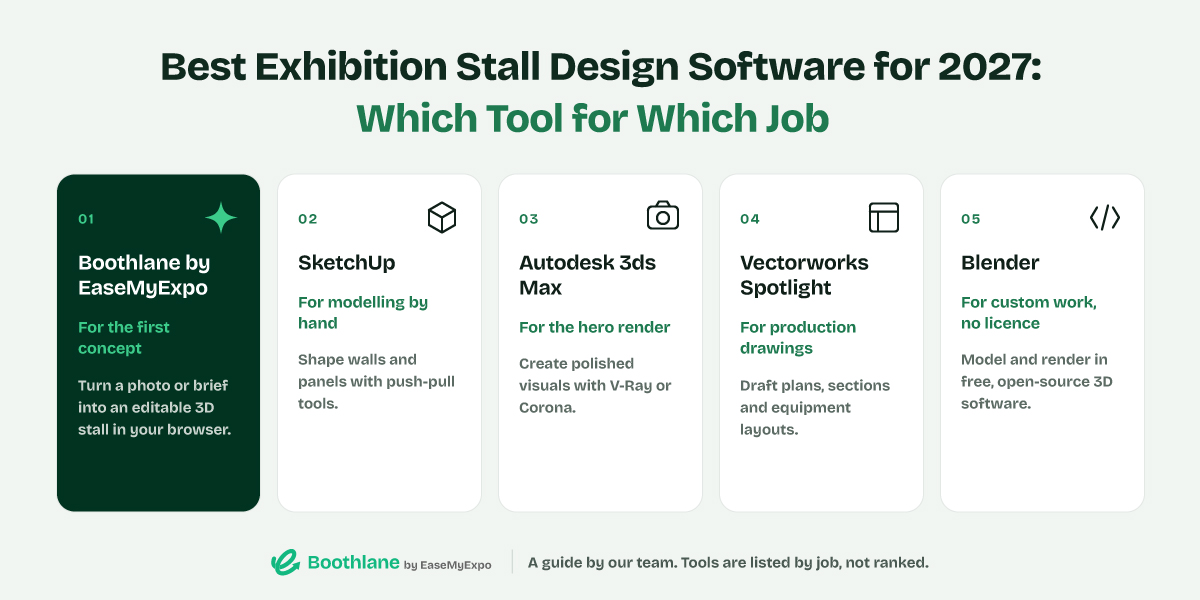
There’s no single right software for designing an exhibition stall. The best choice depends on the job in front of you: getting a first concept to a client, modelling every panel by hand, producing a hero render or delivering construction drawings. Here are five tools, each matched to the job it does best.
1. Boothlane by EaseMyExpo: for the first concept
Boothlane is a browser-based 3D stall design tool. Upload a photo of a stall you like, or describe it in plain words. From a description, you see a few concept images, pick one, and Boothlane builds it as an editable 3D stall at real size. Change any part, add your logo and colours, then download renders, video and files your fabricator can open.
It imports and exports OBJ and FBX files, so a design can move into 3ds Max, Blender or SketchUp for hand finishing. It also covers full events, with more than 160 ready-made layouts. New accounts get 3 free credits, and credit packs start at $9.99 (₹249 in India). Boothlane designs the stall, but your fabricator still builds it.
2. SketchUp: for modelling by hand
SketchUp suits designers who want to place every panel themselves. Its push-pull modelling is quick to learn, and its 3D Warehouse offers ready-made furniture and fixtures. Add a rendering plugin for client-grade visuals. Note that the free web version is for non-commercial use only, so businesses need a paid plan.
3. Autodesk 3ds Max: for the hero render
Paired with a renderer such as V-Ray or Corona, 3ds Max is where studios go when image quality decides the deal. It’s a professional tool that asks for professional skills, and for a simple inline stall it’s more than you need.
4. Vectorworks Spotlight: for production drawings
Vectorworks Spotlight combines 2D drafting and 3D modelling, built with entertainment and event work in mind. Agencies use it when the output is a production package: dimensioned plans, sections and equipment details.
5. Blender: for custom work with no licence
Blender is free and open source, and skilled artists produce excellent booth visuals with it. Just plan for time, since a stall modelled from nothing takes far longer than one started from a generated concept.
The practical stack
Most teams combine two tools. They use an AI tool such as Boothlane for the first concept and client approval, then SketchUp, 3ds Max or Vectorworks only when a project needs hand finishing or construction drawings. Because Boothlane exports OBJ and FBX, the concept doesn’t need to be rebuilt in the second tool.
Before buying any software, ask your fabricator which files they build from.
Quick answers
Which software designs an exhibition stall fastest?
For a first concept, an AI tool is fastest. Boothlane turns a photo or a plain-language brief into an editable 3D stall in your browser, with no 3D skills needed.
Is there free stall design software?
Blender is free, SketchUp has a free web version for non-commercial use, and Boothlane gives new accounts 3 free credits.
What’s the difference between a stall and a booth?
Nothing in practice. “Stall” is the common word in India and the UK, and “booth” in the US. The same software serves both.
Can AI build the physical stall?
No. AI tools create the design and visuals. A fabricator still builds the stall, so share dimensions and files early.
Try Boothlane by EaseMyExpo at easemyexpo.com